
How We Turn Client Calls Into Design Briefs Using AI (In Minutes)
Hey y'all, as a branding web design agency, we do product design as well. Here's how we take our conversations with clients and turn them into actionable deliverables for our designers and developers.
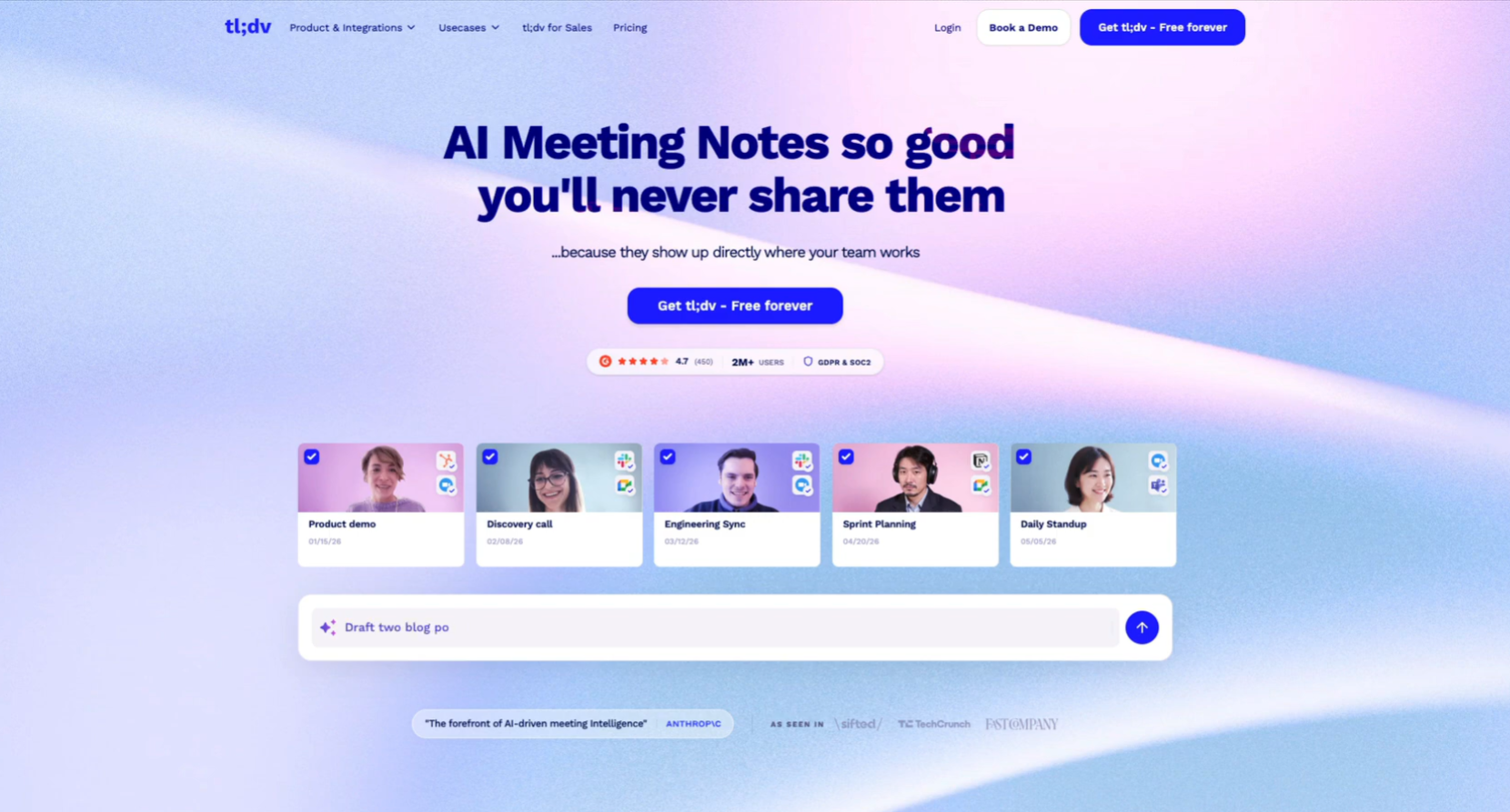
So, the first thing you need is an AI meeting platform. It doesn't matter which one. I like TL;DV. It's great. This is not a paid Ad. I just found out about them and love the UI and the experience is pretty solid. So, use this or any other platform to record your calls. The most important thing you're going to need is the transcription of the call.
And so, essentially what we do is we take the conversations we have with the client and then we turn that into a design brief for our team. So, as you can see on the right-hand side, we had a conversation with the client and this is for version two of the platform we're designing for them. I worked with Claude to go ahead and put together a document or design brief that I can then just ship this to our designer to work on.
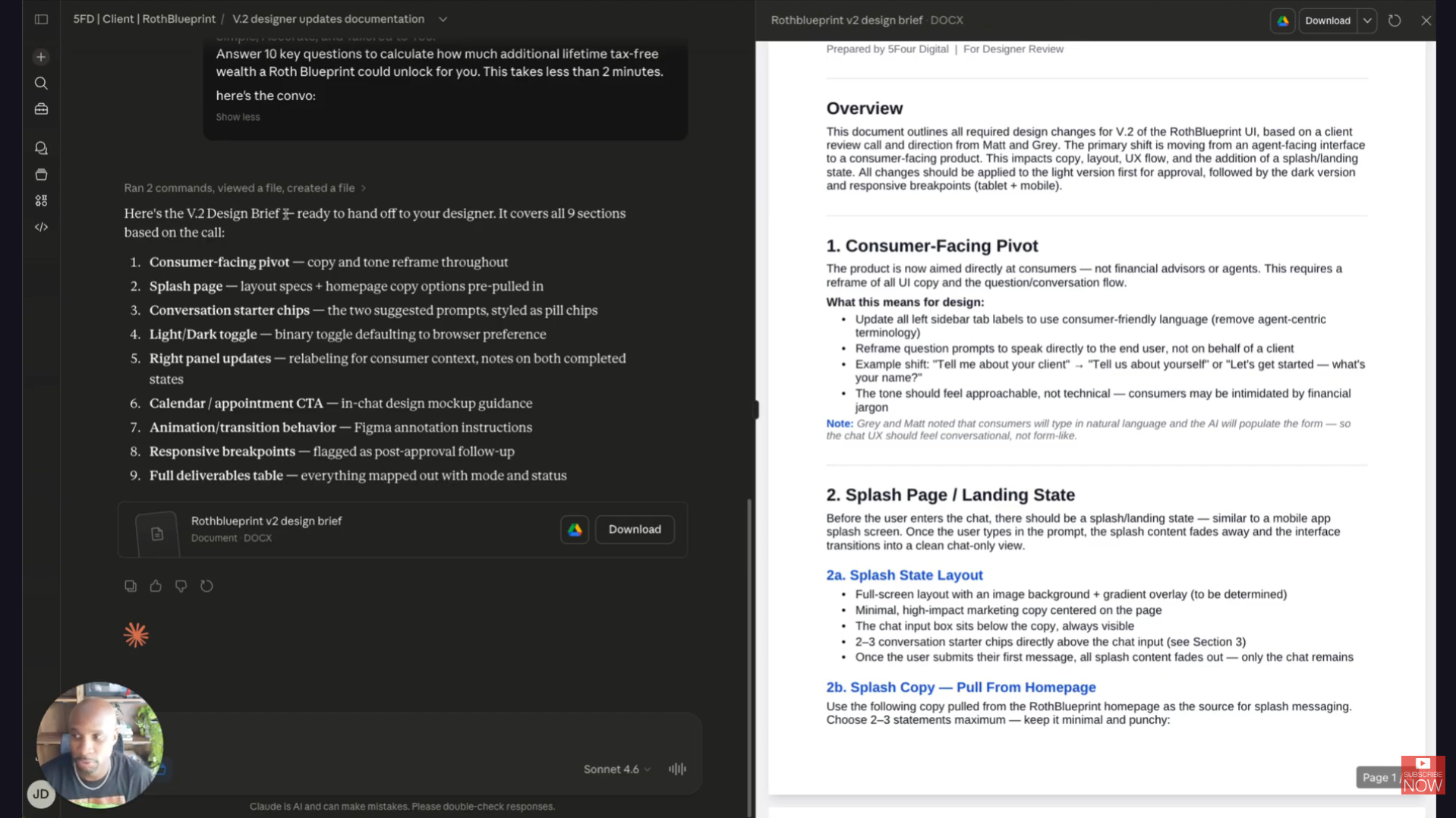
So, essentially, we have the call with the client, we record the call, and then we put in certain prompts to get a document like this as output to be able to give to our design team. This saves, I don't even I can't even tell you how much time this saves y'all, hours and hours of time with anyone that can get on with the client, get the information that they need, be able to use that to make actionable tasks that we need to work on. So, here's how we do it. I'm going to keep this really simple, really easy.
So, once we have the call, this is the post-call prompt that we put into our platforms. And so, what this does is it helps us produce content that we can then give to our designer or developer. So, here's the prompt, you can snag this, take this for your needs as well. So, again, to start, record the call, make sure you have the transcription, that's the most important component, and then you're going to take that component and put it into this prompt.
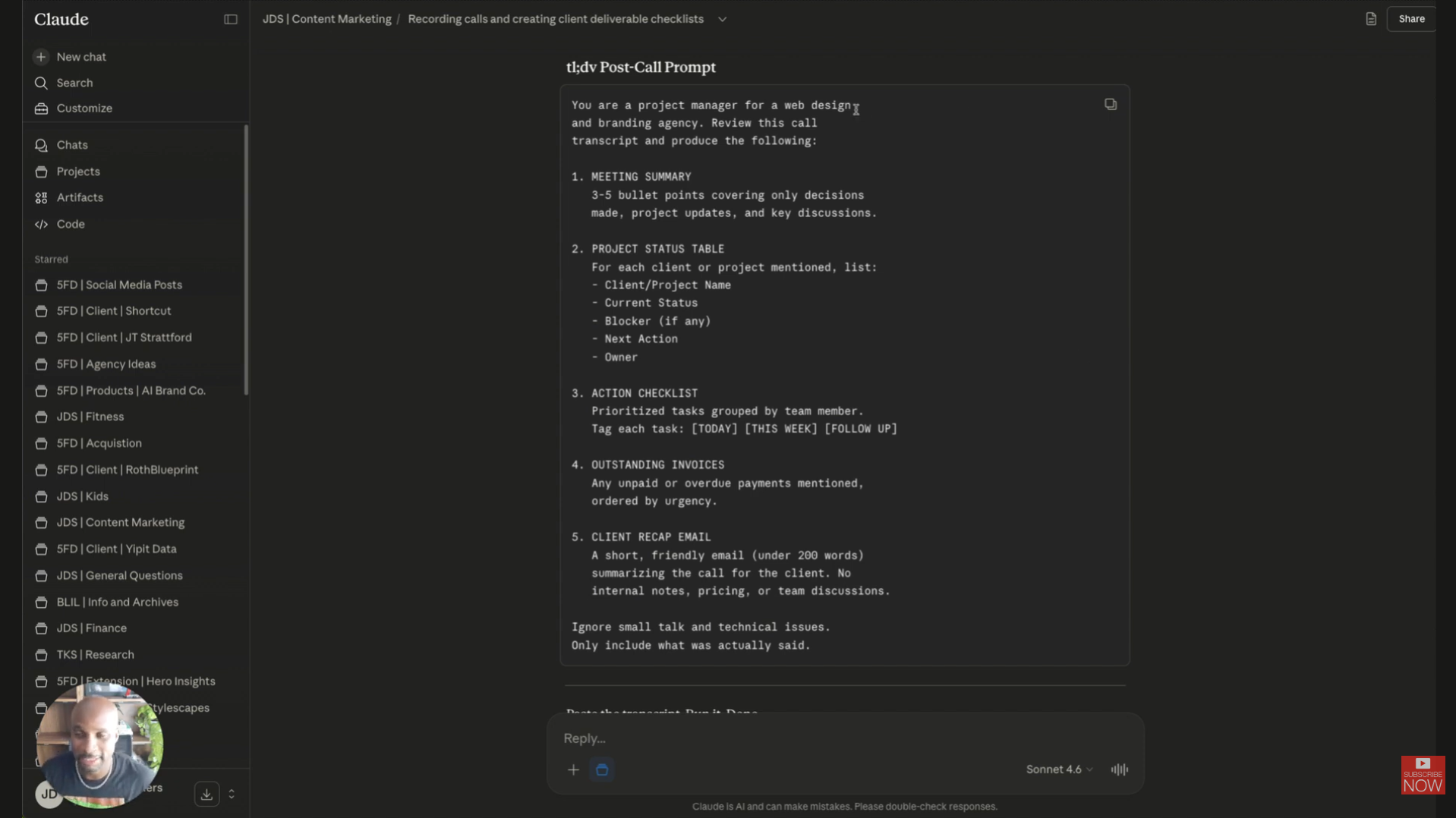
So, you can use Claude, you can use Perplexity, you can use Open AI, I mean, whichever platform you prefer. So, we basically say, "You are a project manager for web design and branding agency. Review this call transcript and produce the following." One is the meeting summary, three to five bullet points covering only decisions made, project updates, and key discussions. Two, project status table for each client or project mentioned, list the client project name, current status, blocker, next action owner.
Then this big piece is the action checklist. This is a prioritized tasks grouped by team member. So tag each task today, this week, follow up, so we know exactly how to action that out. And then of course we do outstanding invoices, anything that needs to be paid or ordered by urgency. And then lastly is going to be a client recap email that goes out back to that client. This is going to be a short friendly email summarizing the call, no internal notes, pricing or team discussions.
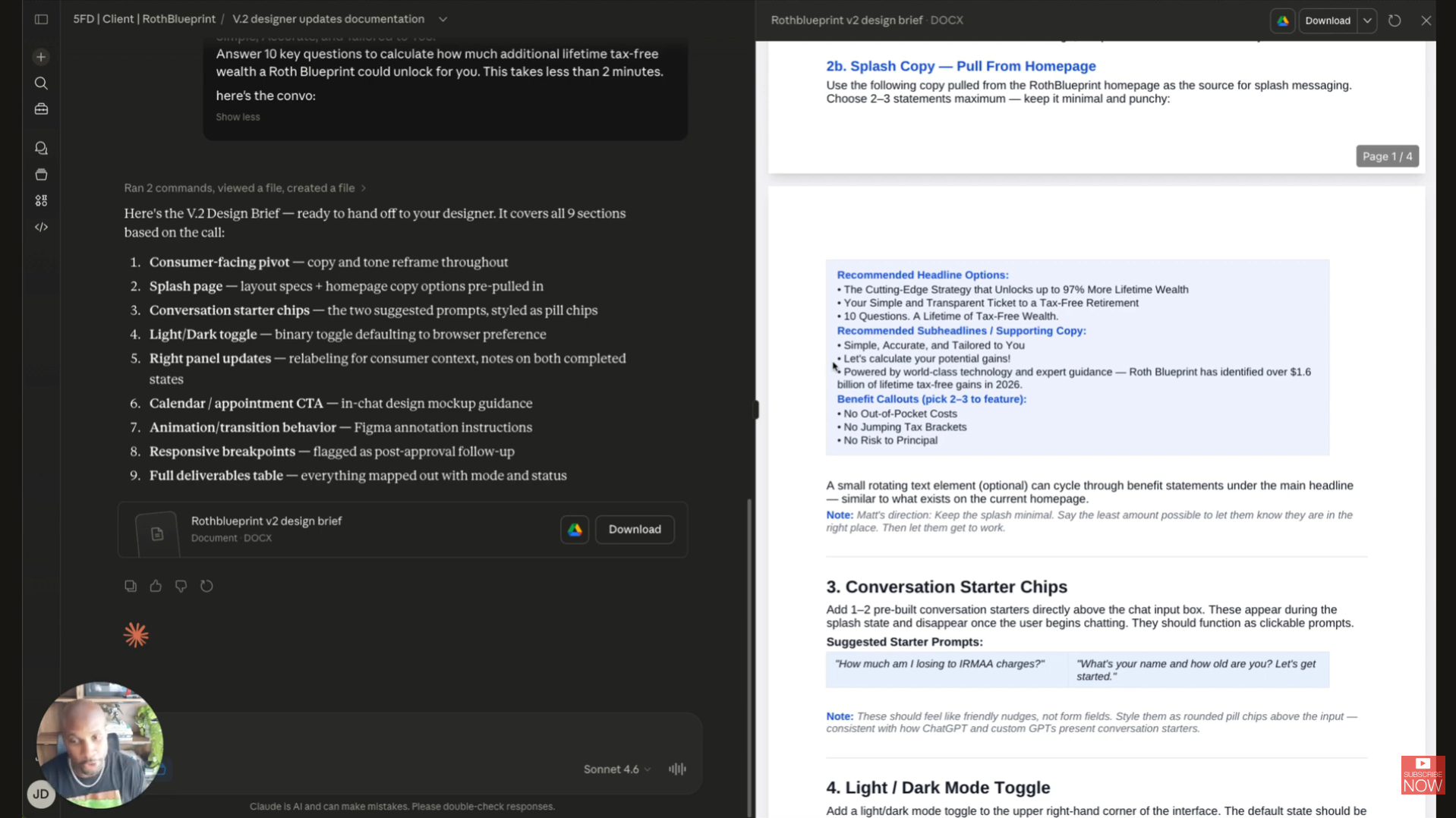
Now a lot of platforms can automate that piece, so you might not need that. But this is going to help you produce a document like this. So just to reiterate the way that this went, we had the conversation with the client, we sat down, we talked to them. When you're on the call try to be as descriptive as possible, so that way as the transcription's getting picked up, you're getting all the data and information you need. So we know exactly what to pull, exactly what to add into this document. This document is automatically produced.
And so basically all I do is I put in, "Hey, we did the updates. I attach the Figma files, the wireframes, I attach all the reference documents." And then I say, "Please write a doc on the updates we need for our designer to complete version two." We have the transcript, and then it gives me the overview. And then one of our team members will go through this, make sure everything is listed properly, make sure there's no hallucinating on the AI end. Honestly, in the last few weeks we haven't seen anything like that. And boom, you've got that output that you can then ship to the designer to work on that task.
So I hope this is helpful. I know this is a quick video, but I wanted to provide you with some value before the weekend. You all have a great one.
Whenever you're ready, there are 3 ways I can help you:
WeeklySOP
A premium newsletter where I drop one fully-built SOP every week. These are real processes from inside my creative agency — made to help freelancers and agency owners delegate, document, and grow with confidence.
Grab the Borderless Book
Get my book, Borderless: How to Hire, Train and Grow a Design and Web Development Agency with Worldwide Talent. It’s the ultimate guide for web designers, brand designers, entrepreneurs, and business owners looking to tap into the vast pool of global talent.
Scale your agency.
Start here.
I will never spam or sell your info. Ever.


